Quick Guide
- First Impressions and What's in the Box
- Image and Video Quality: The Good, The Bad, The "It Depends"
- Durability and Ease of Use: Can It Survive Real Life?
- How Does It Stack Up? The MatroDive vs. The Competition
- The Real-World Buying Guide: Who Should (and Shouldn't) Get This Camera
- Essential Tips for Getting the Best Out of Your MatroDive
- Common Questions Answered (Stuff You Were Afraid to Ask)
- The Final Verdict
You know how it goes. You're planning that dream snorkeling trip, or maybe you just want to film the kids in the pool without worrying about your phone. Suddenly, you're down a rabbit hole of action cameras, all promising the world. GoPro is the name everyone knows, but your wallet starts sweating just thinking about it. Then you see it – the MatroDive underwater camera. The price looks almost too good to be true. 4K video? Waterproof without a case? It's shouting "budget hero" from the rooftops.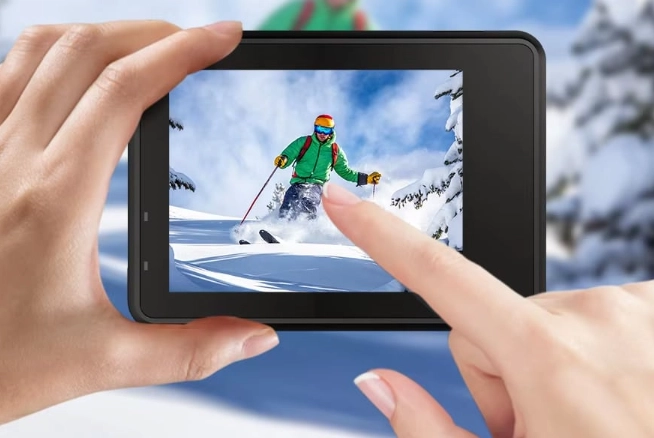
But here's the thing. I've been burned before by cheap gadgets that look great on Amazon but turn into paperweights after one use. I needed a reliable second camera for my kayaking trips, something I wouldn't cry over if it took a dunk. So, I decided to put the MatroDive through its paces. Not just a quick test, but months of actual use in different conditions. This isn't a spec sheet regurgitation. It's a real-world, warts-and-all look at whether this little camera deserves a spot in your gear bag.
First Impressions and What's in the Box
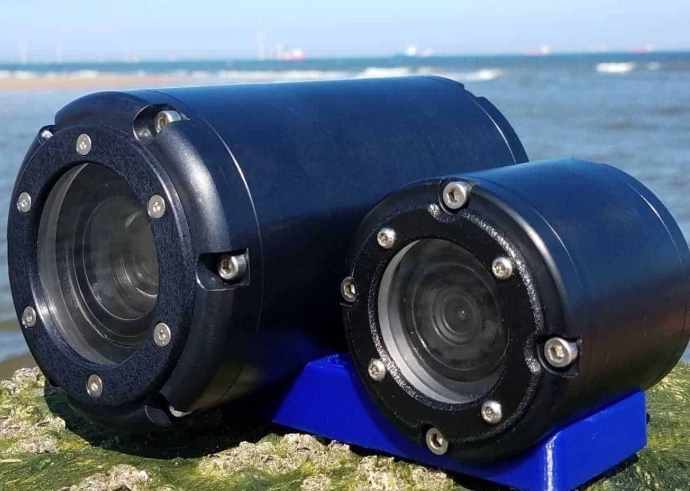
The package arrived, and I'll be honest, my expectations were low. The box felt light. Opening it up, though, was a pleasant surprise. It wasn't just the camera thrown in a plain brown box. You get a decent bundle, which is a big part of the MatroDive's appeal.
- The Camera Itself: Small, lightweight, with a rubberized texture that feels secure in your hand. It's not as premium as a GoPro's finish, but it doesn't feel cheap either.
- Two Batteries: This is a game-changer. One battery lasts about 90 minutes of casual recording. Having a second one in your pocket means you're not done for the day after a single snorkel session.
- Waterproof Case: Wait, I thought it was waterproof? It is, but the case is for deeper dives. The camera alone is good for about 10 meters (33 feet). The case takes it down to 30 meters (98 feet). The case feels sturdy, though the latches require a firm press to close – a good thing for safety, but test it before you're in the water!
- A Pile of Mounts: Seriously, there's a lot. A helmet strap, a handlebar mount, head strap, and a bunch of adhesive pads and buckles. Most are plastic and feel a bit flimsier than brand-name mounts, but they work. I wouldn't trust the adhesive mount on a mountain bike trail, but for a kayak or a chest mount, they're fine.
- Remote Control Wristband: A nice touch. It lets you start/stop recording or take photos without touching the camera, which is perfect when it's mounted on your head or when your hands are full.
Right out of the gate, the MatroDive underwater camera scores points for value. You're getting a complete kit to start filming immediately.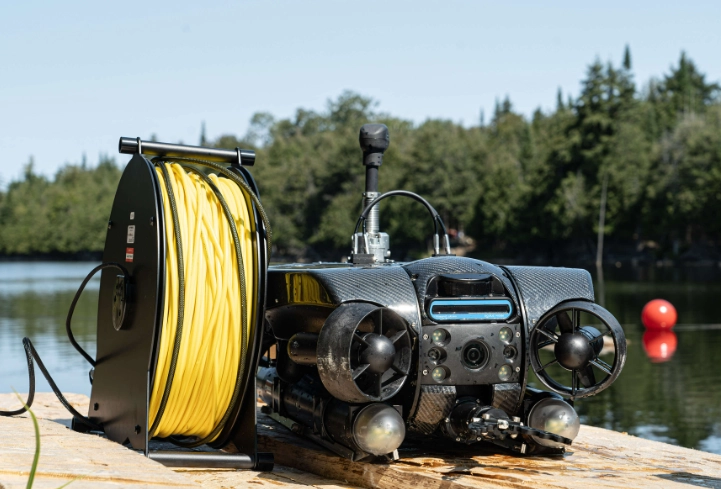
Image and Video Quality: The Good, The Bad, The "It Depends"
This is where the rubber meets the road. Can a camera this cheap actually shoot watchable 4K?
Video Performance
The MatroDive shoots 4K at 30 frames per second (fps) and 2.7K/1080p at 60fps. I tested all the modes.
In bright, sunny conditions, the 4K footage is... pretty decent! Colors are vibrant, maybe a tad oversaturated, which actually makes underwater blues and greens pop nicely. Detail is good enough to see individual fish scales or snorkel patterns. It's not Sony Alpha crisp, but for social media or a family vacation video, it's more than acceptable. The electronic image stabilization (EIS) works. It's not magical like GoPro's HyperSmooth, but it takes the edge off handheld shakes. On a kayak in calm water, it looked smooth. Walking with it? You'll still get some jitter.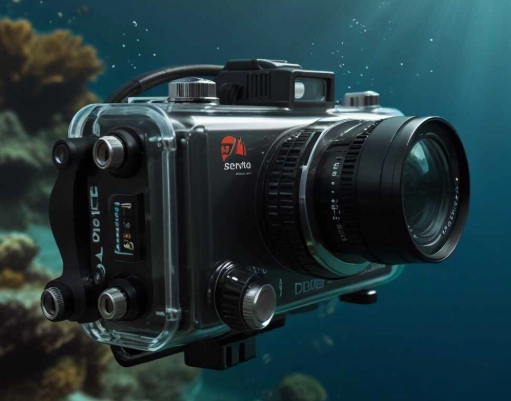
Now, the not-so-great. Low-light performance is this camera's Achilles' heel. Indoors or during a cloudy day, the video gets grainy. The image gets soft, and colors lose their punch. The 1080p 60fps mode is useful for smoother slow-motion in editing, but the quality drop from 4K is noticeable. It's passable, but don't expect buttery-smooth, high-detail slow-mo.
Photo Quality
It takes 20MP photos. In good light, they are sharp and colorful. The burst mode and time-lapse functions work as advertised. The underwater photo mode is basically a color filter that tries to correct the blue/green tint, and it does an okay job. For quick snaps to post online, it's perfectly fine. I wouldn't print a large poster from it, but for a digital album? Absolutely.
Durability and Ease of Use: Can It Survive Real Life?
I was nervous the first time I took it in the pool. No case, just the bare MatroDive camera. I held my breath. It worked perfectly. I've since taken it in the ocean, dropped it on the deck (oops), and gotten it covered in sand. A quick rinse under the tap, and it's been fine. The build quality feels robust for its price.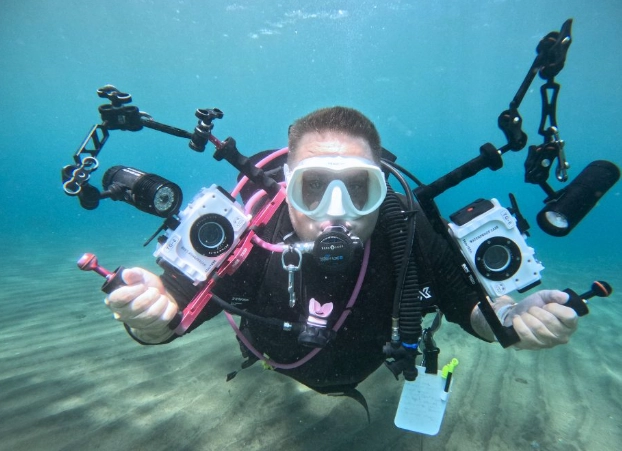
The buttons are large and easy to press, even with gloves on. The menu system is simple. It's not the most intuitive thing in the world—you cycle through modes with one button and settings with another, and it takes a minute to memorize—but after 20 minutes of fiddling, you'll get it. My dad figured it out, and that's saying something.
The Wi-Fi and app connection are a weak spot. The app is functional but clunky. Connecting the camera to your phone can be finicky. Sometimes it connects instantly, other times it takes a few tries. Once connected, you can use your phone as a live view remote, which is great for framing shots. Transferring files over Wi-Fi is slow; it's much faster to just pop the microSD card into a reader.
How Does It Stack Up? The MatroDive vs. The Competition
This is crucial. Let's see where it lands in the grand scheme of things. I've put together a quick comparison based on my experience and widely available specs.
| Feature | MatroDive Underwater Camera | GoPro Hero (Entry-Level) | AKASO Brave / V50X (Common Budget Pick) |
|---|---|---|---|
| Price Point | Very Affordable | Moderate to High | Affordable |
| Max Video Res | 4K @ 30fps | 5.3K @ 60fps (High-end models) | 4K @ 30fps |
| Stabilization | Electronic (EIS) - Good | HyperSmooth - Excellent | Electronic (EIS) - Good |
| Waterproof (naked) | 10m / 33ft | 10m / 33ft | Usually needs case |
| Bundled Accessories | Extensive (Case, 2 bats, many mounts) | Sparse (Often sold separately) | Good (Similar to MatroDive) |
| Low-Light Performance | Poor | Good to Very Good | Poor to Fair |
| App / Ecosystem | Clunky but functional | Smooth, feature-rich | Clunky but functional |
| Best For | Casual users, families, budget-conscious buyers, backup camera. | Enthusiasts, content creators, those needing top-tier performance. | Budget buyers; very similar niche to MatroDive. |
See the pattern? The MatroDive underwater camera sits firmly in the "value bundle" category with brands like AKASO. Its main advantage is often the included deep-water case and the second battery, which some competitors make you buy separately.
The GoPro is in a different league for performance, stabilization, and software, but you pay for it. The question is: do you need that league?
The Real-World Buying Guide: Who Should (and Shouldn't) Get This Camera
Buy the MatroDive if:
- You're going on a once-in-a-lifetime (or once-a-year) vacation and want underwater memories without a huge investment.
- You're a parent who wants to film kids in the pool without risking your phone.
- You're new to action cameras and don't want to commit serious money before knowing if you'll use it.
- You need a reliable backup or beater camera for adventures where your primary gear might be at risk.
- You value a complete kit in one box over absolute cutting-edge image quality.
Look Elsewhere if:
- Low-light or nighttime filming is a priority.
- You demand the absolute best, smoothest stabilization for high-action sports like mountain biking.
- You're a professional or serious hobbyist needing pro-grade color profiles and detail.
- A seamless, reliable phone app connection is non-negotiable for you.
Essential Tips for Getting the Best Out of Your MatroDive
Own one already or about to buy? These tips come from my own trial and error.
- SD Card Matters: Don't cheap out. Get a high-speed, reputable brand microSD card (Class 10, U3, V30). A slow card will cause recording to stutter or fail, especially in 4K.
- Shoot in the Best Light: This camera loves sunshine. Plan your underwater shoots for midday when light penetration is best.
- Use the Wrist Remote: It's genuinely useful. Set up your shot, start recording with the remote, and forget about it. Saves you from fumbling with the tiny buttons.
- Charge Both Batteries: Always before an outing. That second battery is your best friend.
- For Underwater Color: Get close to your subject. Water reduces color and clarity with distance. The closer you are to the reef or fish, the better your colors will be, even without a red filter.
Common Questions Answered (Stuff You Were Afraid to Ask)
I scoured forums and reviews to see what real people are asking.
Q: Is the MatroDive underwater camera really waterproof, or do I need the case for the pool?
A: For pool use (typically under 10ft), you do NOT need the case. The camera itself is rated for 33ft. The case is for snorkeling or diving where you might go deeper. Always check the seals first.
Q: Can I use it as a webcam or dash cam?
A: Webcam, technically yes via the USB connection, but it's fiddly and not officially supported like a Logitech cam. As a dash cam? I wouldn't recommend it. It doesn't have loop recording or auto-start features. It's not designed for that.
Q: How does the audio quality fare?
A: It's mediocre, like most small action cameras. It picks up wind noise easily. In the waterproof case, it's very muffled. For vlogging, you'd want an external microphone, which it doesn't support. It's fine for capturing ambient sounds of the ocean or kids laughing.
Q: Is the brand "MatroDive" trustworthy? I've never heard of it.
A: It's a common brand you'll find on Amazon and other online marketplaces. They are not a giant like Sony or GoPro. They fall into the category of OEM/ODM manufacturers who produce decent quality gear at low costs. Customer service might be hit or miss compared to a major brand, so buying from a reputable seller with a good return policy is key.
Q: My footage looks blue/green underwater. Is my MatroDive camera broken?
A: No! This is physics. Water filters out red light. All cameras, even expensive ones, will have this without correction. Use the camera's underwater mode (a color filter) or, for better results, correct the color in free editing software like DaVinci Resolve. For more serious underwater photography, understanding color correction is essential. Resources from the Backscatter Underwater Photo & Video website can be incredibly helpful, even for beginners.
The Final Verdict
After months of using it, the MatroDive underwater camera has earned a permanent spot in my daypack. It's not my go-to for important, planned shoots. But for "what if we see dolphins?" or "let's film the pool party," it's perfect. It removes the anxiety of using expensive gear in risky environments.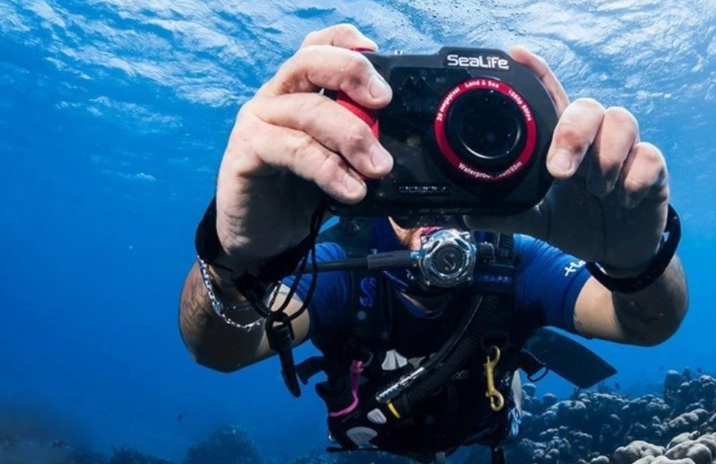
It excels as a first camera, a kid's camera, or a dedicated vacation camera. You're trading some performance and polish for significant savings and a complete kit. If your expectations are set correctly—you want fun, shareable footage without a major investment—then the MatroDive is an easy recommendation. It does exactly what it promises for a surprisingly low price.
Just keep it out of the dark, and maybe buy a better helmet mount.
Reader Comments