Let's be honest. You've been there. You come back from an amazing snorkeling trip, your mind full of memories of colorful fish and coral reefs. You excitedly plug your camera into your computer, only to find a collection of blurry, blue, or oddly lit photos that look nothing like what you saw. It's frustrating. I know because I've ruined more shots than I care to admit. The good news? Taking great photos while snorkeling isn't magic. It's a combination of the right gear, a few simple settings, and some techniques you can learn in an afternoon.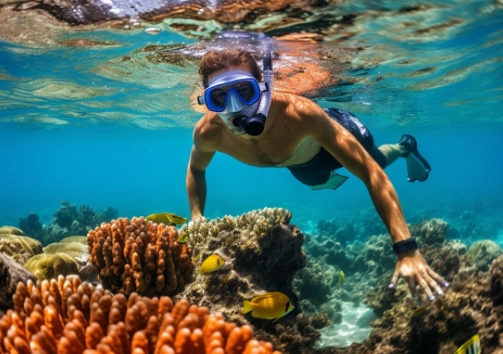
What You'll Learn in This Guide
Choosing Your Gear: It's Not Just About Megapixels
Before you even hit the water, your gear choice sets the ceiling for your results. Forget the camera ads. For snorkeling photography, durability, ease of use, and handling underwater physics matter more than sensor size.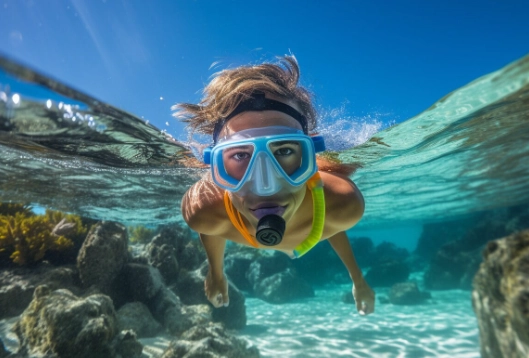
The Three Main Paths
You have three realistic options, each with pros and cons that aren't always obvious.
| Option | Best For | Key Consideration | My Personal Take |
|---|---|---|---|
| Action Camera (GoPro, DJI Osmo Action) | Beginners, wide-angle scenes, video-focused users, rough handling. | Super wide-angle lens distorts close-ups. Color can look flat without filters/post-processing. | Incredibly easy but limiting for stills. The 'set and forget' option that works 80% of the time. |
| Waterproof Housing for Your Phone/Camera | Those who already own a good camera, want higher quality, more control. | Housing cost can exceed the camera's value. Touchscreens often don't work underwater. Leaks are catastrophic. | My preferred method for serious trips. The quality jump is massive, but it requires care and practice. |
| Dedicated Waterproof Compact Camera | Snorkelers who want a balance of quality and convenience without a housing. | Limited to fixed lens. Often slower autofocus than housed systems. Depth rating is fixed. | A great 'middle-ground' that gets ignored. Models like the Olympus TG-6 are snorkeling powerhouses. |
Here's a non-consensus point: Don't obsess over depth rating. Most snorkeling happens in the top 10-15 feet of water. A 33ft (10m) rated camera is almost always sufficient. I'd trade a higher depth rating for better image stabilization any day. The real enemy isn't depth, it's shaky hands and murky water.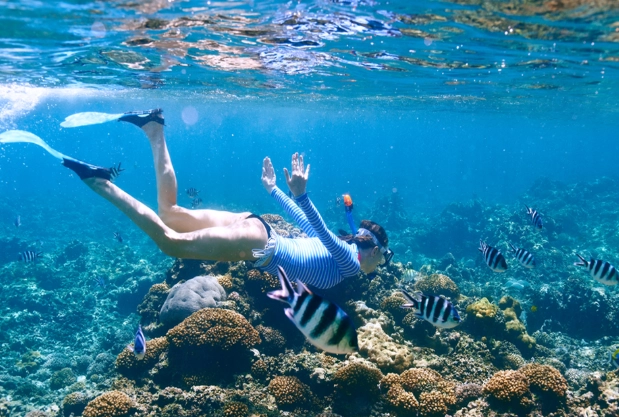
Essential Non-Camera Gear: A floating wrist strap is non-negotiable. I once watched a brand new GoPro sink into the abyss in Hawaii. A red filter (for depths over 10ft in clear water) corrects the blue/green color cast, but it's useless in shallow, sandy areas. For those spots, skip the filter.
Conquering Camera Settings for Snorkeling
Auto mode is your enemy underwater. Light behaves differently. Here's how to take control.
White Balance: The Secret to Color
Water acts as a filter, removing reds and yellows. Auto White Balance (AWB) often fails, leaving you with a monochromatic blue scene. The fix? Manually set your white balance. If your camera allows it, set it to "Underwater" mode. No dedicated mode? Use a custom white balance against a white slate or even the palm of your hand at your shooting depth. This single change makes a bigger difference than any other setting.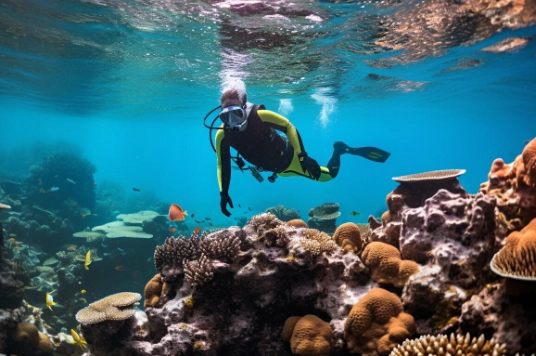
Shutter Speed, Aperture, and ISO: The Exposure Triangle
You're moving, the fish are moving, and the water is moving. To freeze this, you need a fast shutter speed.
- Shutter Speed: Start at 1/250s or faster. For fast-moving subjects like turtles or schooling fish, push it to 1/500s or higher.
- Aperture: Water reduces contrast. A slightly smaller aperture (like f/5.6 to f/8) gives you more depth of field, which is helpful because autofocus can struggle underwater.
- ISO: Keep it as low as possible (ISO 100-400) to avoid noise. Increase it only if your shutter speed is too slow and your photos are blurry.
A good starting point for a sunny day in clear water: Shutter Priority Mode, 1/320s, ISO 200. Let the camera choose the aperture. Shoot, review, and adjust.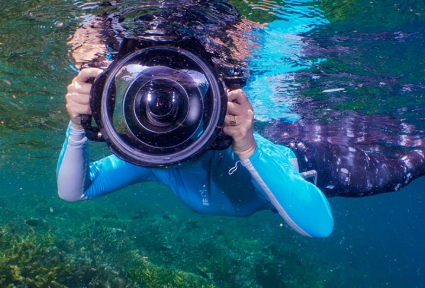
Shooting Techniques That Make a Difference
Gear and settings get you 50% there. Technique gets you the rest.
Get Close, Then Get Closer
Water is full of particles that scatter light. The more water between you and your subject, the softer, bluer, and lower-contrast your image will be. Your number one goal is to minimize that distance. Most beginners standoff too far. If you think you're close enough, take two more slow kicks forward.
Shoot Upwards
This is the most overlooked tip. Shooting down at a fish against the seabed gives you a cluttered, dark background. Instead, position yourself slightly below your subject and shoot up towards the surface. This gives you a clean, bright blue background (the sky/surface) that makes your subject pop. It also creates more natural, flattering light on the creature.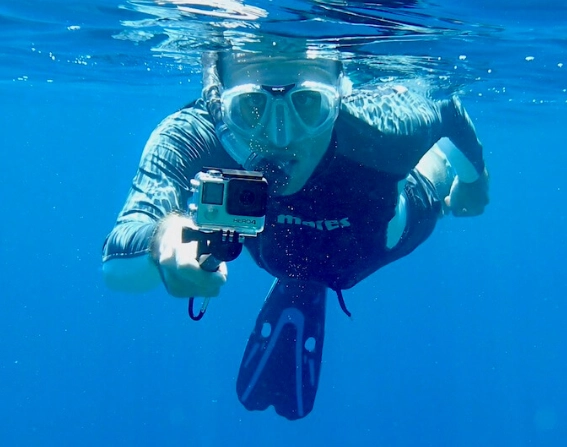
Master Buoyancy and Patience
Wildlife doesn't like frantic movement. Instead of chasing fish, find an interesting patch of coral, hold onto a rock (carefully!), and stay still. Breathe slowly. Let your buoyancy settle. Fish will often return and ignore you, allowing for more natural behavior shots. I got my best photo of a curious octopus not by swimming after it, but by pretending to be part of the reef for five minutes.
Common Mistakes (And How to Avoid Them)
I made every mistake in the book. Learn from them.
The Backscatter Blizzard: Using the camera's built-in flash or a strobe pointed straight forward illuminates all the tiny particles in the water, creating a snowstorm effect in your photo. Solution: Use natural light whenever possible. If you must use artificial light, use external strobes positioned at an angle.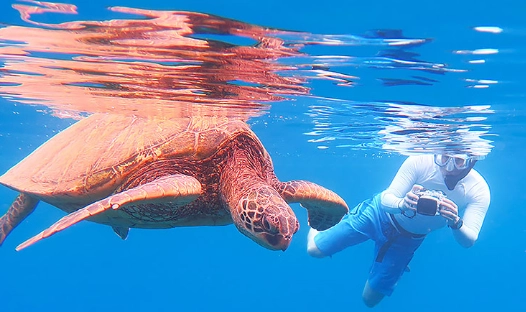
The Over-Editing Trap: It's tempting to crank up saturation and contrast to make underwater photos "pop." This often leads to neon, unrealistic colors. Solution: Edit subtly. Use the white balance dropper in Lightroom or similar software on a grey/white area first. Adjust saturation and vibrance in small increments (+10 to +20, not +50).
Ignoring the Foreground: A photo of just a fish floating in blue can be boring. Solution: Use coral, sponges, or rock formations as a foreground element to add depth, scale, and context to your shot.
Reader Comments