Let's be real. You're excited about your snorkeling trip, but dropping $300+ on a GoPro feels like overkill. You just want something reliable to capture the fish, the coral, maybe a friendly turtle, without your phone getting ruined. Good news: you absolutely can. The sub-$100 market is packed with options, but it's also a minefield of misleading specs and flimsy junk. I've tested more of these than I care to admit (some sank, some fogged up, a few surprised me). This guide cuts through the noise. We'll look at real-world performance for snorkeling, not lab specs that don't matter when you're floating over a reef.
Your Quick Snorkeling Camera Guide
How to Choose a Snorkeling Camera Under $100: Forget the Hype, Focus on This
Everyone talks about 4K and megapixels. For snorkeling under $100, that's often the wrong place to start. Here's what actually impacts your experience.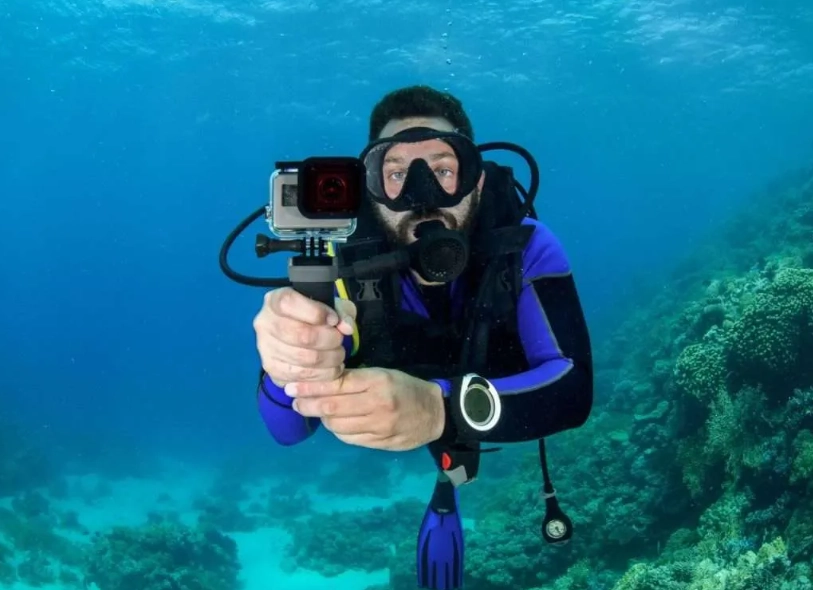
Waterproofing is Everything (And It's Not Just Depth)
The rating (e.g., 10m/30ft) is a starting point. The real test is the sealing. Look for cameras designed as "action cameras" with a dedicated waterproof housing, not just a "water-resistant" compact. A housing has thick O-rings you can check and clean. I've seen cameras rated for 10m fail at 2m because a grain of sand got in the USB port cover. A dedicated housing is more reliable than built-in sealing on a budget.
Image Stabilization: Your Secret Weapon
You're floating, moving with the current. Without stabilization, your video will be a nauseating, shaky mess. Electronic Image Stabilization (EIS) is common in this price range. It's not as good as GoPro's HyperSmooth, but a decent EIS makes the difference between usable footage and trash. Prioritize it over a slightly higher resolution.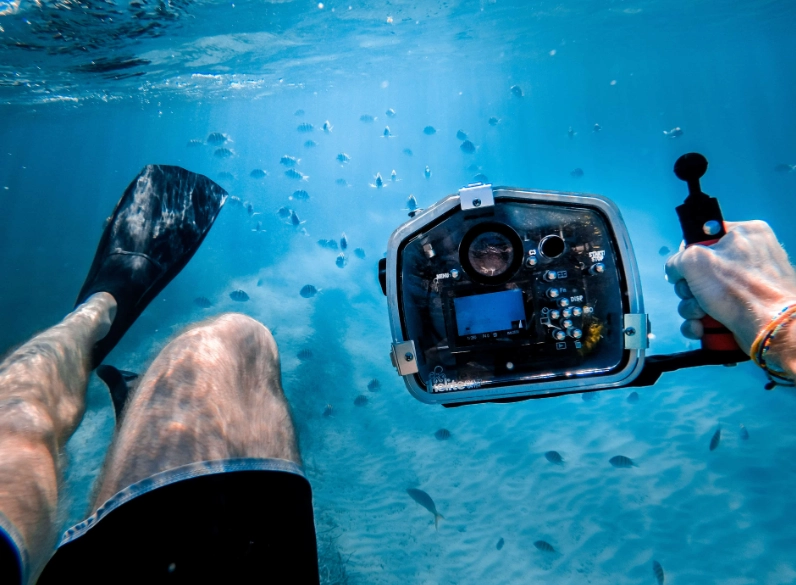
The Battery & Accessories Trap
Many cheap cameras boast "2 batteries!" but each dies in 45 minutes. Check real-world runtime reviews. Also, see what's in the box. A floating hand grip is a lifesaver—literally. If it's not included, factor in buying one. A standard tripod mount is also crucial for attaching to other gear.
Side-by-Side: The Top Contenders for Snorkeling Under $100
Based on hands-on testing and aggregating feedback from snorkeling forums (like those on ScubaBoard for their gear talk), here are the models that consistently deliver. I'm excluding pure "toy" cameras and focusing on ones you can actually rely on.
| Camera Model | Key Feature for Snorkeling | Video Quality (Practical) | Waterproof Depth (with housing) | Biggest Drawback | Approx. Price |
|---|---|---|---|---|---|
| AKASO V50X | Excellent EIS, Touch Screen | Very good 4K/30fps, superb 1080p/60fps | 40m / 131ft | Menus can be fiddly | $80-$90 |
| Campark ACT74 | Extremely simple to use, Reliable | Good 4K/30fps, decent 1080p stabilization | 40m / 131ft | No touch screen, basic app | $60-$75 |
| AKASO EK7000 Pro | Budget stalwart, Great value kit | Good 1080p/60fps, 4K is soft | 30m / 98ft | Older sensor, 4K is marketing | $50-$65 |
| Used/Refurb GoPro Hero 7 White | GoPro reliability & app | Solid 1080p, solid stabilization | 10m / 33ft (no housing needed) | Used market gamble, lower res | $70-$90 |
Deep Dive: AKASO V50X – The Value King
If your budget can stretch to the high end of the $100 range, the V50X is the workhorse. Its image stabilization is the closest you'll get to a premium feel in this price tier. I used it on a trip to Hawaii, and the 1080p/60fps footage of sea turtles was smooth enough to share without embarrassment.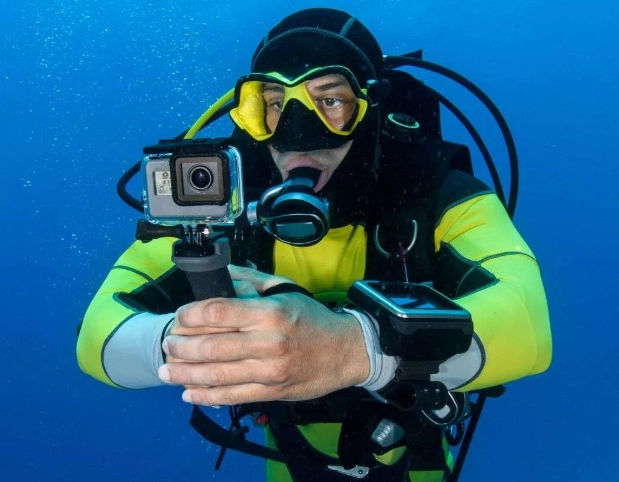
What snorkelers love: The touch screen is a huge upgrade when you're trying to change settings on a boat. The waterproof housing feels robust, and it includes a floating grip. Battery life is about 90 minutes per charge, and it comes with two.
The catch: The user interface isn't intuitive. Plan to spend 20 minutes learning it before your trip. Also, while its low-light performance is okay for a budget cam, don't expect magic in deep, shadowy reef areas.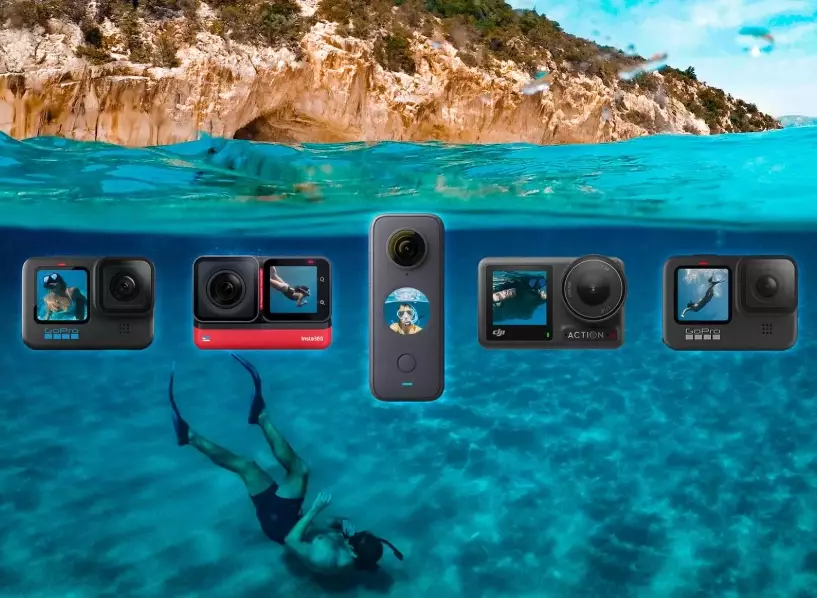
Deep Dive: Campark ACT74 – The Simple Performer
The Campark ACT74 is for people who hate fuss. It has physical buttons, a straightforward menu, and it just works. The image quality is a notch below the V50X in terms of color vibrancy, but its stabilization is competent for snorkeling.
Its biggest strength is consistency. It's less likely to freeze or have a weird bug than some flashier models. The package usually includes a ton of mounts, which is great if you want to attach it to a snorkel mask (though I have mixed feelings about that—more on that later).
Think of it as the reliable sedan of underwater cameras. It won't win a spec sheet battle, but it will get you there without drama.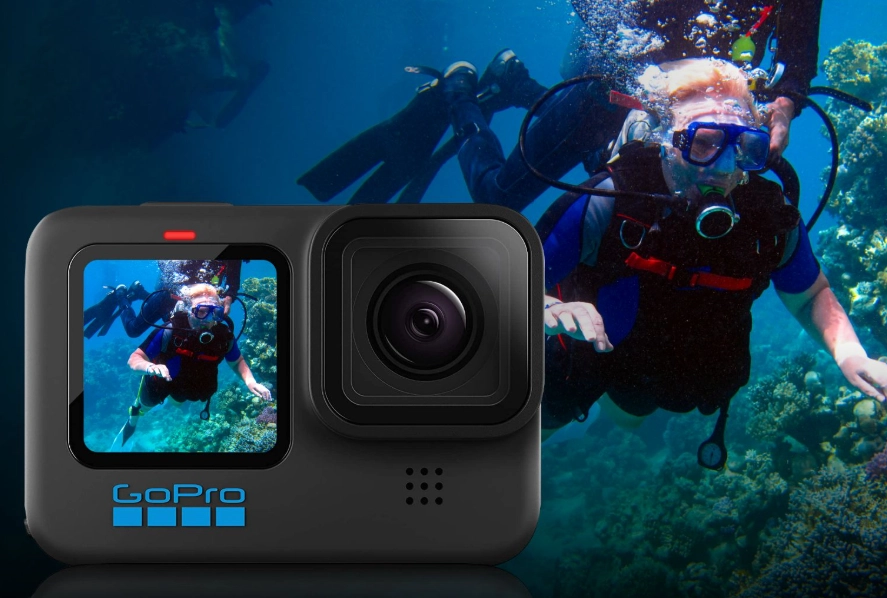
The Refurbished & Older Model Route
Considering a used GoPro Hero 7 White or a refurbished older model from a brand like Nikon (like the Coolpix W100) is a smart move. You get better build quality and software from a major brand. Sites like GoPro's own refurbished store or authorized retailers on eBay can be sources.
Warning: Always verify the waterproof seals are intact. For a GoPro, this means the battery door seal is clean and undamaged. For a refurbished rugged compact, assume it needs a new O-ring. This path requires more diligence but can yield the best quality per dollar.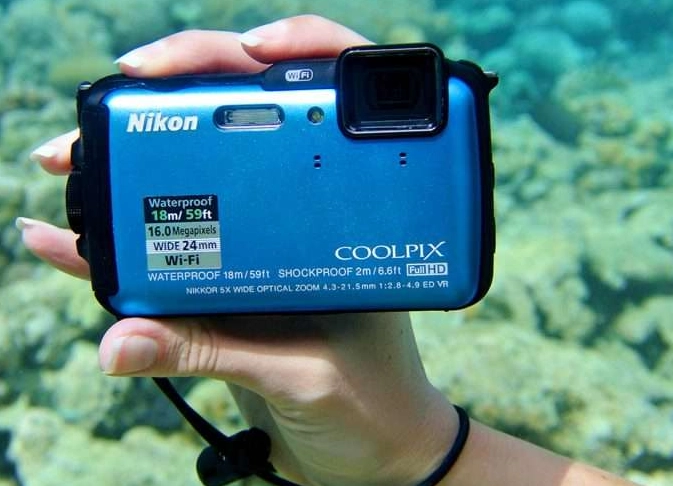
Pro Tips for Actually Using Your Budget Camera
Buying it is half the battle. Using it right is the other.
Pre-Snorkel Checklist: 1. Charge & Test: Charge all batteries the night before. Do a quick recording test to make sure the memory card is working. 2. Housing Check: Ensure the housing is sealed. Lick the O-ring—if it sticks slightly, it's clean and seated. Never force it closed. 3. Anti-Fog: Put an anti-fog insert (like a silica gel packet) inside the housing. Fogging is the #1 killer of footage. Don't use liquid anti-fog on the housing's interior lens. 4. Settings: Set it to 1080p/60fps with EIS ON. Use a flat color profile if available—you can color-correct later. Turn off beeps.
In the Water: Get close. Water reduces clarity and color faster than you think. Get within 3 feet of your subject. Use the sun—shoot with it behind you. And for the love of coral, don't touch anything just for a shot.
Mounting it on your snorkel mask seems clever, but it amplifies every head movement and often points at the wrong angle. A floating hand grip or a short extension pole gives you way more control.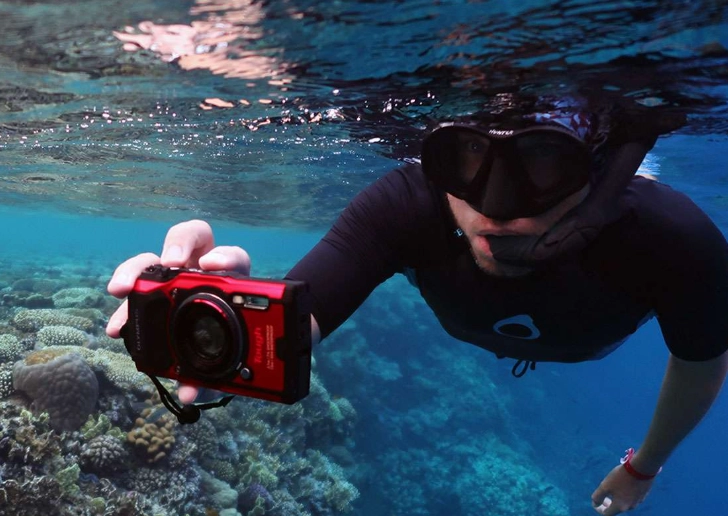
Your Questions, Answered (No Fluff)
The bottom line? You don't need to spend a fortune. The AKASO V50X offers the most premium features if you can swing it. The Campark ACT74 is the no-nonsense choice that won't let you down. And the refurbished market is a savvy hunter's paradise. Manage your expectations, focus on stabilization and reliability over raw megapixels, and you'll come back with memories you're happy to rewatch.
Reader Comments