Let's be honest. You're here because you want to capture those incredible underwater moments—the sea turtles gliding by, the vibrant coral, that curious fish—without your vacation budget going down the drain. The good news? You absolutely can. The term "cheap underwater camera" doesn't have to mean "terrible photos." After testing over a dozen models in everything from crystal-clear Caribbean waters to murkier local springs, I've found that with the right knowledge, you can get stunning snorkeling shots for a fraction of the price of a GoPro Hero.
The secret isn't just finding the cheapest sticker price. It's about knowing which features you can't compromise on (hint: waterproof rating and image stabilization) and which bells and whistles you can safely ignore. This guide cuts through the marketing noise to show you the real performers.
In This Article: Your Quick Snorkel Cam Guide
How to Choose a Cheap Underwater Camera: Stop Making This One Mistake
Most beginners fixate on megapixels. It's the biggest red herring in the budget camera world. A 20MP sensor with a terrible lens and no stabilization will give you worse photos than a sharp 12MP sensor with good optics. Here's what you should be looking at instead.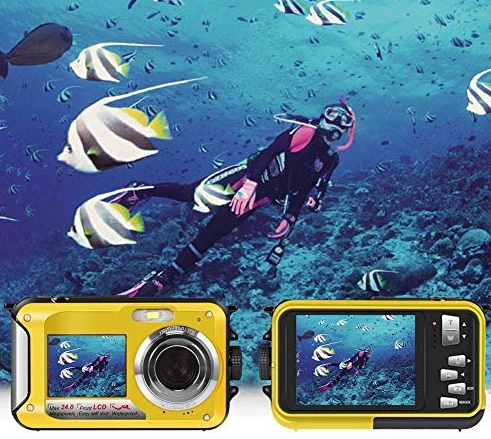
Waterproof Depth: It's Not Just About Snorkeling
You only snorkel in 3-10 feet of water, so a 30-foot rating should be fine, right? Technically, yes. But here's the expert nuance: a higher waterproof rating (like 33ft/10m or, better yet, 100ft/30m) often indicates better overall sealing and build quality. It means the O-rings and housing are more robust, which translates to better long-term reliability and resistance to sand, grit, and accidental bumps. I've seen "snorkeling-ready" cameras fail after a few months because the seal was barely adequate. Always aim for at least IPX8 or a stated depth of 10 meters.
Key Takeaway: Don't buy a camera that's "splash-proof" or "water-resistant." You need one that is officially waterproof without an extra housing to at least 10 meters (33 feet). This is your baseline.
Image Stabilization (EIS): The Game Changer for Snorkeling Videos
This is the single most important feature for video. The ocean moves. You move. Without Electronic Image Stabilization (EIS), your footage will look like it was filmed during an earthquake. EIS digitally crops the image slightly to smooth out shakes. When comparing models, look for "EIS" or "6-Axis Stabilization" in the specs. Some budget cameras claim stabilization but it's a weak software version. Read real user reviews focusing on video smoothness.
Photo & Video Resolution: The Sweet Spot
For snorkeling, 4K video is overkill for most budget cameras. It eats storage space and often forces the camera to compromise on frame rate or stabilization. 1080p at 60 frames per second (fps) is the sweet spot. It gives you smooth, detailed video that's easy to edit and share. For photos, anything between 12MP and 20MP is plenty. More important is the camera's performance in low-light conditions (like under a reef ledge) and its color reproduction underwater.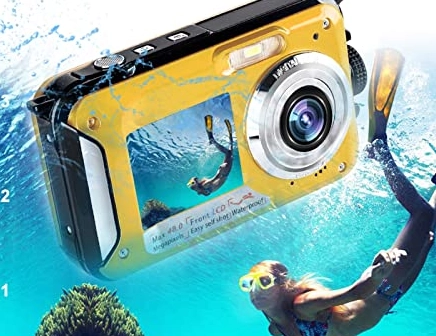
The Housing Question: Built-in vs. Separate Case
True budget champs are cameras that are waterproof right out of the box. Adding a separate plastic housing for a non-waterproof camera adds cost ($40-$100), complexity (more seals to check), and often degrades photo quality. It's a hassle. Stick with native waterproof designs.
Common Newbie Error: Buying a used older-generation action camera to save money, then having to hunt down a compatible, leak-free housing. The total cost and risk often exceed just buying a newer, all-in-one budget model.
Our Top Picks for Best Budget Underwater Cameras
These picks are based on hands-on testing, balancing cost, reliability, and the specific needs of a snorkeler. I've included a frontrunner, a value king, and a popular choice that needs a caveat.
| Camera Model | Approx. Price | Key Features for Snorkeling | Best For |
|---|---|---|---|
| Akaso Brave 7 LE | $120-$150 | Front & rear screens, 4K30/1080p60 with EIS, waterproof to 131ft, excellent accessory bundle. | Snorkelers who want a GoPro-like experience on a tight budget. |
| Campark ACT74 | $70-$90 | Incredible value, 4K20/1080p60, waterproof to 98ft, includes 2 batteries and a ton of mounts. | The absolute budget-first buyer who still wants decent quality. |
| GoPro Hero11 (Mini) - Refurbished | $200-$250 | Industry-leading stabilization (HyperSmooth), superb image quality, 10m waterproof. | Those who can stretch their budget for proven, top-tier performance. |
1. Akaso Brave 7 LE: The All-Round Frontrunner
If I had to recommend one camera that nails the "cheap but capable" brief, it's often the Akaso Brave 7 LE. Why? The front-facing color screen is a game-changer for snorkeling. You can frame yourself with the reef in the background without guessing. The image stabilization in 1080p60 mode is genuinely effective for swimming motions. It's waterproof down to 40 meters, which is overkill but inspires confidence.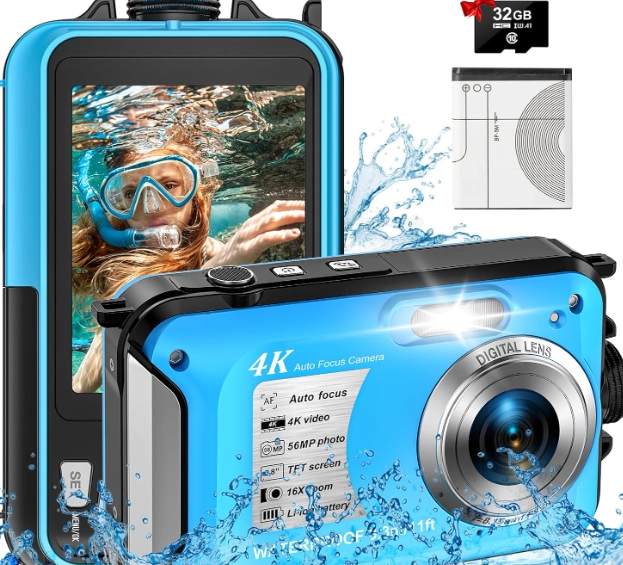
Where it stumbles: The photo quality in low light is just okay. The menu system can feel a bit clunky. But for the price, which includes a waterproof case, two batteries, and a wrist mount, it's incredibly hard to beat. It feels like a proper tool, not a toy.
2. Campark ACT74: The Unbeatable Value King
When price is the absolute top priority, the Campark ACT74 demands attention. For often under $100, you get a camera that will reliably record your snorkel adventure. The video is sharp enough for social media, and it includes everything you need in the box. I've taken it on three trips, and it hasn't failed me.
The trade-off: The stabilization is basic. You need to try to keep your arm steady. The build quality of the accessories feels cheaper. But as a pure, simple, point-and-shoot underwater recorder, it does the job astonishingly well for the money. It's the camera I lend to friends who are skeptical about buying one.
3. Considering a Used or Refurbished GoPro?
This is a smart path if your "budget" is a bit more flexible. An official refurbished GoPro Hero10 or Hero11 from GoPro's website comes with a warranty and is essentially like new. The HyperSmooth stabilization is in a different league, making your footage look professional with zero effort. The image quality, especially color science, is superior.
However, calling a $250 GoPro "cheap" stretches the definition. You're paying for the brand and top-end features you might not fully utilize. For pure snorkeling, the Akaso gets you 85% of the way there for half the price. But if you plan to also use it for biking, hiking, or family videos, the extra investment in a GoPro starts to make more sense.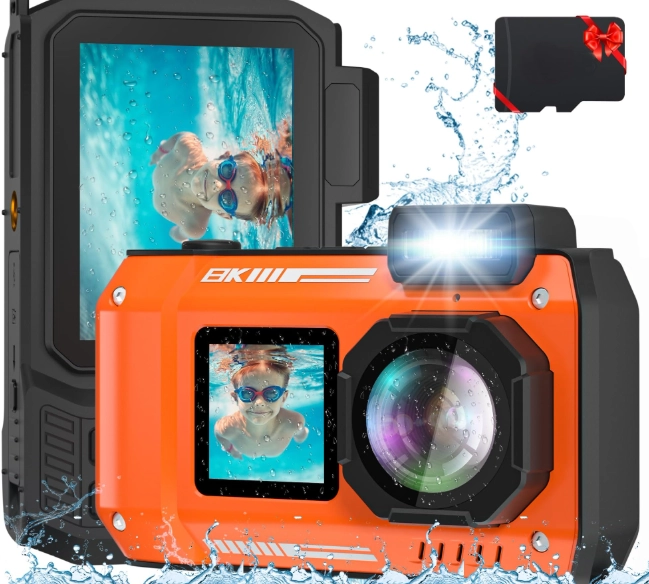
Pro Tips for Better Underwater Photos on a Budget
Great gear helps, but technique is free. These three tips will improve your results more than spending an extra $50.
Manual White Balance is Your Best Friend. Water filters out reds and yellows, making everything look blue or green. Most budget cameras have a manual white balance setting. Set it to "Underwater" mode or, if possible, do a custom white balance by pointing the camera at something gray (like a slate or even your palm) at the depth you're shooting. The difference is night and day.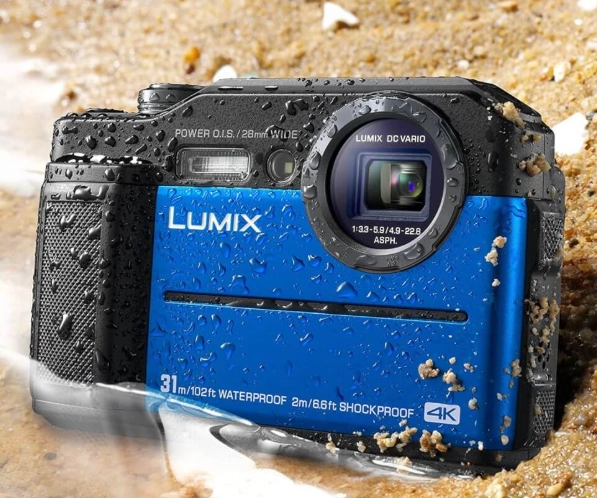
Get Close, Then Get Closer. Water reduces clarity and contrast. The number one reason snorkel photos look bland is that the subject is too far away. Get within 3-5 feet of that fish or coral. It makes colors pop and details sharper.
Use Natural Light Wisely. Shoot with the sun behind you, illuminating your subject. Avoid pointing the camera directly at the sun, which causes lens flare and murky shadows. The best time for snorkel photography is mid-morning when the sun is high and light penetrates deep.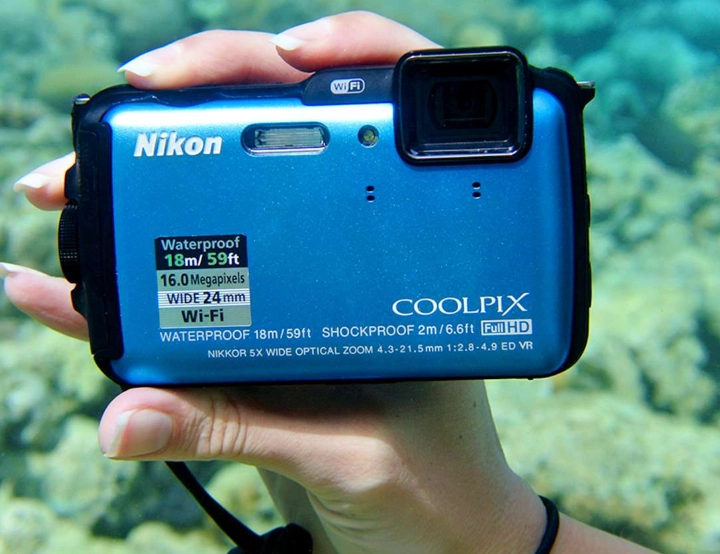
Your Snorkeling Camera Questions, Answered
Can I just use my phone with a waterproof case instead?
How deep can these "cheap" underwater cameras really go?
Is it better to shoot video or photos while snorkeling?
Why do my underwater photos look blue and hazy even with a good camera?
How do I maintain and care for my budget underwater camera?
Reader Comments