You're floating over a coral reef, a sea turtle glides by, and you fumble for your waterproof camera. By the time you get it ready, the moment's gone. That frustration ends with a snorkeling mask that has a camera mount built right in. It's not just a gimmick; it's a game-changer for how you experience and share the underwater world. But which one is right for you, and how do you avoid the common pitfalls that turn epic footage into a blurry, shaky mess? Let's cut through the marketing and get into what actually works.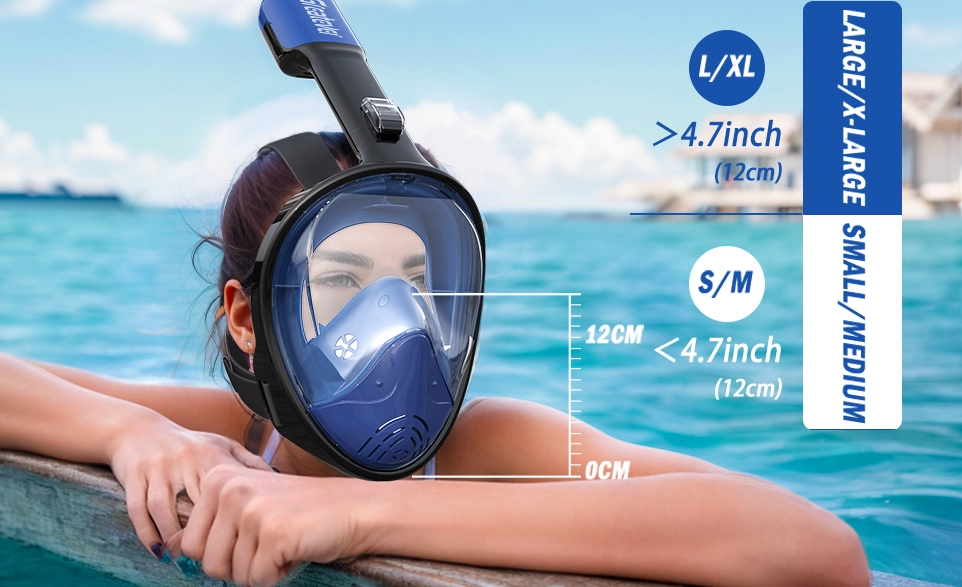
What's Inside: Your Quick Guide
What Exactly Is a Snorkeling Mask with a Camera Mount?
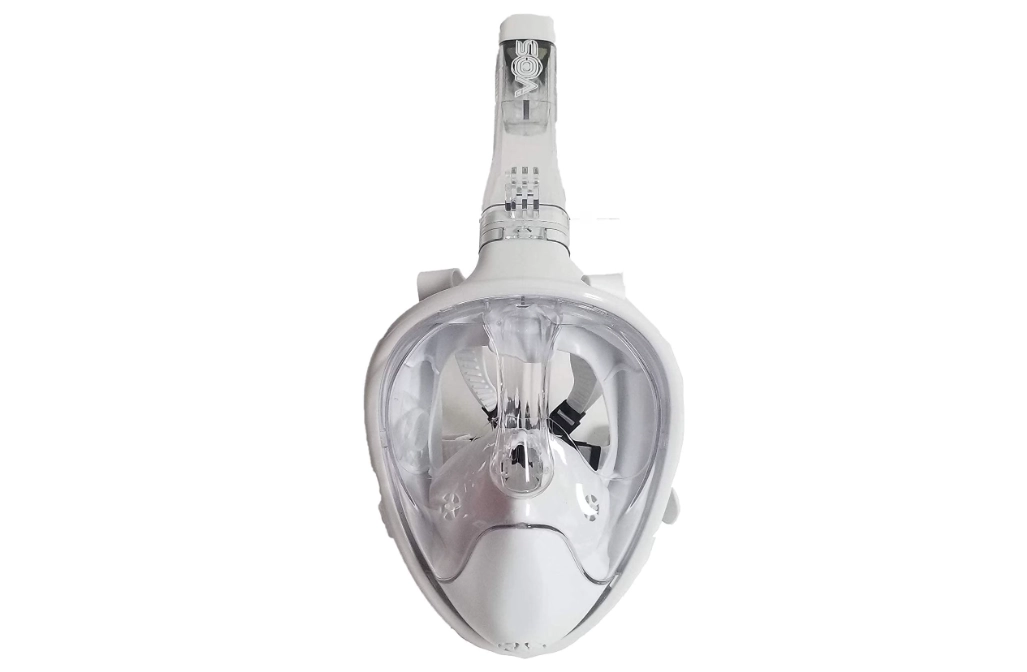
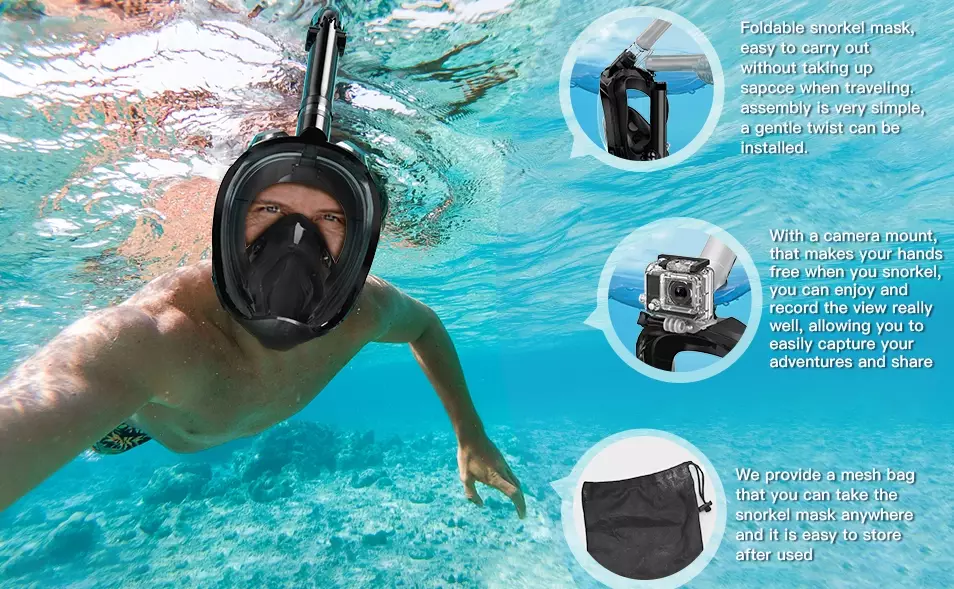
It's a standard snorkel mask—often a full-face design for easier breathing—with a sturdy attachment point on the top or side. You screw or clip your action camera (like a GoPro, DJI Osmo Action, or similar) directly onto it. Your viewfinder becomes your own eyes. Where you look, the camera films.
The benefit is obvious: complete freedom. No more holding a camera, no more worrying about dropping it, and your hands are free for pointing, stabilizing, or just enjoying the swim. It's perfect for capturing the "diver's eye view" that feels immersive.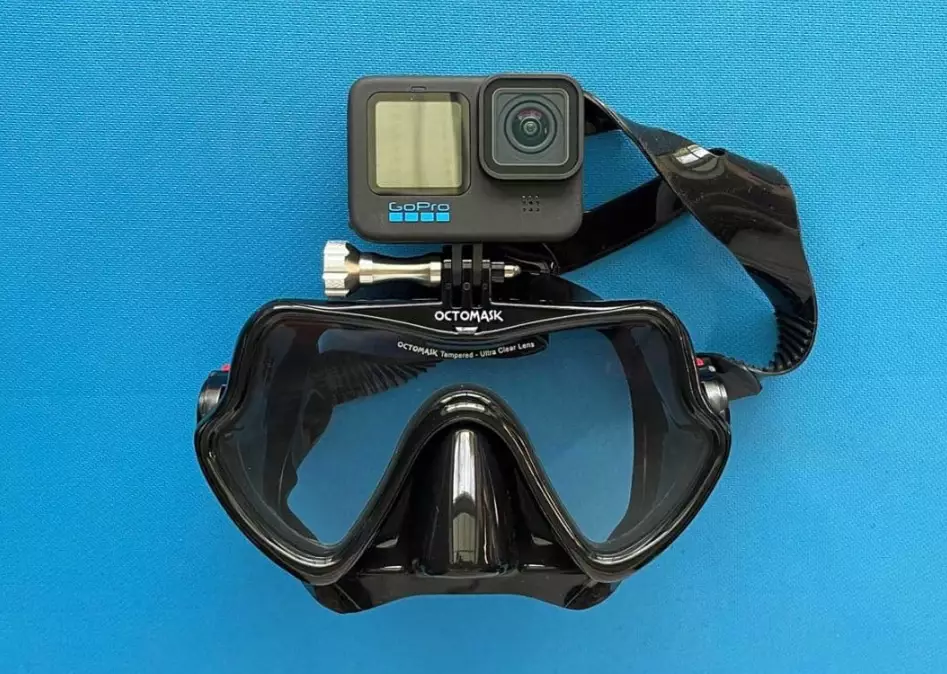
Here's the thing most reviews miss: The quality of the mask matters more than the mount. A cheap, leaky mask with a great mount is a terrible experience. You'll be constantly clearing water instead of enjoying the view. Always prioritize a comfortable, sealed fit first. The mount is secondary.
How to Choose the Best Mask and Mount Combo
Don't just buy the first one you see on Amazon. You need to think about four things: the mask, the camera platform, the lens, and your budget.
The Mask: Fit is Everything
Try it on, if you can. The skirt (the soft part that seals to your face) should sit comfortably without pinching. No gaps, especially around the bridge of your nose and temples. For full-face masks, ensure the breathing chamber doesn't make you feel claustrophobic. Check the snorkel's dry-top valve—does it seal quickly? A leaky valve means a mouthful of seawater.
The Camera Platform: Plastic vs. Metal
Most mounts are plastic. They're light and fine for casual surface snorkeling. But if you're active or in choppy water, a metal (usually aluminum) mount is far more stable and durable. It won't flex, which is the main cause of micro-vibrations in your video. Look for a low-profile design that keeps the camera's center of gravity close to your head.
The Lens: The Secret to Clear Shots
This is critical. Water magnifies and distorts. A flat lens port on your camera housing will create blurry edges (chromatic aberration). You need a dome port or a corrective dive filter (like those from PolarPro or Backscatter) to counteract this. Some premium masks bundle a corrective lens adapter. If yours doesn't, factor this into your cost.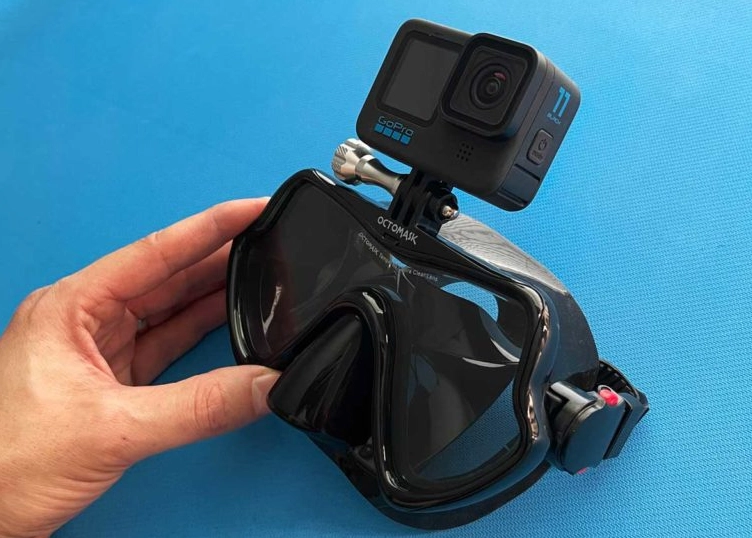
Let's compare three popular approaches:
| Model Type | Typical Price | Best For | Biggest Drawback |
|---|---|---|---|
| All-in-One Full Face Mask (e.g., brands like Seaview) | $80 - $150 | Beginners, casual snorkelers who want easy breathing and hands-free filming. | Camera is fixed in one position (usually top-center). Can feel bulky. Not for diving below surface. |
| Traditional Mask + Clip-On Mount (e.g., GoPro Mask Mount) | $25 (mount) + $40 (mask) | Experienced snorkelers who already own a good mask. Offers flexibility. | Mount can shift if not secured perfectly. Adds weight to one side of the mask. |
| Premium Dive Mask with Integrated Mount (e.g., Cressi or TUSA models) | $100 - $200+ | Serious snorkelers, freedivers, those who want maximum stability and optical quality. | High cost. Often requires separate purchase of a specific camera tray or arm. |
I made the mistake of going cheap first. I bought a $60 all-in-one. The video was okay, but the mask fogged up constantly, and the plastic mount squeaked. I upgraded to a solid traditional mask (a Cressi model I already trusted) and added a low-profile aluminum side mount. The difference in comfort and video stability was night and day.
Your Step-by-Step Guide to Getting Great Footage
Okay, you've got your gear. Now let's make sure you use it right. This isn't just "turn it on and go."
Step 1: Pre-Dive Setup (Do This on Dry Land)
Charge everything. Insert a high-endurance microSD card (SanDisk Extreme or similar). Set your camera to a high frame rate (60fps or higher) for smooth slow-motion. Use a medium field of view (like "Linear" or "Wide") to minimize the fisheye effect. Turn on wind noise reduction off and voice control on if your camera has it. "GoPro, start recording" is magic when your hands are full.
Step 2: Mounting and Sealing
Screw the camera into the mount tightly. Use the tool if provided. Before sealing the camera in its housing, put a silica gel anti-fog packet inside if there's room. Lick the interior lens port (yes, spit works better than most sprays) to prevent fogging. Close the housing and check the seals for hair or sand. Do a quick test record to ensure it's working.
Step 3: The Swimming Technique
This is the most important part. You are now the camera crane.
- Move slowly. Jerky kicks mean jerky footage. Use slow, fluid fin strokes from your hips.
- Pan with your head, not your eyes. Want to follow a fish? Turn your whole head smoothly.
- Control your breathing. Especially with a full-face mask, loud, heavy breathing will dominate your audio. Breathe calmly through your nose.
- Get close, then get closer. Water reduces color and clarity. Most beginners shoot from too far away. Get within 3-5 feet of your subject for vibrant, detailed shots.
Pro Safety Tip: Be hyper-aware of your surroundings. With a camera on your head, your profile is bigger. You can accidentally bump into coral or other snorkelers. Look with your eyes first, then turn your head/camera. The reef's health (and your own) is more important than any shot.
Step 4: Post-Dive Care
Rinse EVERYTHING in fresh water immediately—mask, snorkel, camera, housing, mount. Salt is corrosive. Open the housing and let all components air dry completely before storage. Never store a camera in a wet housing.
Answers to Your Tricky Questions
How do I keep my snorkel mask camera mount stable in choppy water?
Forget just tightening the mount. The trick is counterbalance. If you're using a heavy action camera, add a small, buoyant float to the back of the mask strap. This prevents the mask from tilting forward and dragging on your face. Also, ensure the camera is mounted as close to the mask's center of gravity as possible, not sticking way out front. A snug, proper-fitting mask is the non-negotiable foundation; if it shifts on your face, everything blurs.
Can I use a snorkeling mask with a camera mount for freediving below 10 feet?
Most consumer-grade masks with plastic mounts are not designed for the pressure changes of freediving. The plastic can flex or crack, and the seal might fail. If you plan to duck-dive regularly, look for a mask specifically rated for depth (some go to 40m/130ft) and a metal, low-profile mount. The real issue is equalization; pressing your nose pocket to equalize is harder with a camera blocking your hand. Practice the technique on land first.
Why do my videos from a mask-mounted camera look shaky and disorienting?
That's usually head movement, not water movement. Your head naturally bobs with each breath and kick. The fix is in your body, not the gear. Use your core to stay streamlined, kick slowly from the hips with fins, and try to keep your head still while panning with your eyes. Turn on your camera's electronic image stabilization (EIS) if it has it. For post-production, software like GyroFlow can work wonders with action camera footage.
How do I prevent the lens port from fogging up inside the housing?
Commercial anti-fog sprays can leave residue. The old diver's trick is saliva. Lick the interior lens port, rub it around, and give it a quick rinse. It sounds gross, but it's effective and free. The key is to do this *after* the housing is sealed and just before you enter the water. Never use soap or toothpaste on modern lens coatings. Also, ensure the housing and camera are at water temperature before sealing to minimize condensation.
 Ultimately, a snorkeling mask with a camera mount removes a barrier between you and the experience. It lets you capture memories without interrupting the moment. But remember, the goal is to see the reef, not just record it. Set up your shot, hit record, and then forget about the camera. Enjoy the dive. The best footage comes from genuine moments of wonder, not from staring at a screen on your forehead.
Start with a solid, comfortable mask you'd buy anyway. Add a simple, stable mount. Master the slow, smooth swimming technique. You'll be surprised how quickly you stop thinking about the gear and start sharing a perspective that makes your friends back home truly feel like they were underwater with you.
Reader Comments