You're about to go snorkeling. The fish are dazzling, the water is clear, and you want a photo. But your phone stays on the boat, safe and dry. Sound familiar? Choosing your first underwater camera shouldn't feel like deciphering a tech manual. Forget the confusing specs. As someone who's tested dozens of cameras in everything from tropical reefs to murky lakes, I'll tell you the best underwater camera for snorkeling beginners isn't the one with the most megapixels. It's the one you'll actually use without frustration.
Let's get straight to the point. For most beginners, a rugged action camera like a GoPro or a dedicated tough camera like the Olympus TG series is the sweet spot. They're simple, nearly indestructible, and deliver great results right out of the box. But why? And which specific model? We'll break it all down.
What's Inside?
Why Your Phone Isn't the Answer (Usually)
It's tempting. You have a great camera in your pocket. Just buy a cheap plastic housing, right? I made this mistake early on. The housing fogged up, the touchscreen was unresponsive underwater, and I spent the whole dive anxious about a $10 piece of plastic failing and destroying my $1000 phone. The risk-reward is terrible.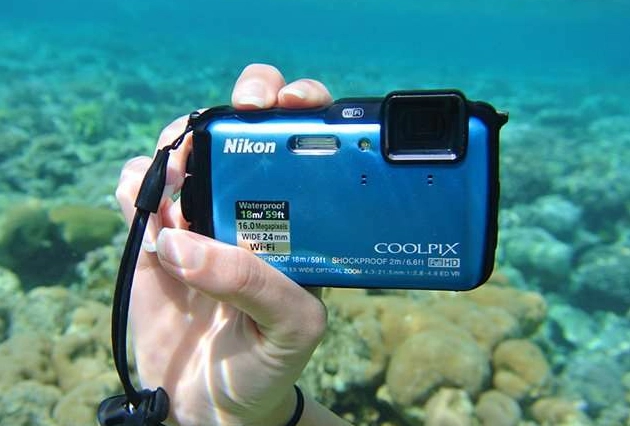
Phone housings can work for calm, shallow pool play. For real snorkeling with waves, sand, and pressure changes, they're a liability. Dedicated underwater cameras are built for this environment. They're pressurized, have physical buttons that work with gloves, and if they fail, you're out a camera, not your lifeline to the world.
The Three Main Types of Underwater Cameras
Understanding this simple breakdown cuts through 90% of the confusion.
| Type | Best For... | Not So Great For... | Price Range | Beginner Friendliness |
|---|---|---|---|---|
| Action Cameras (GoPro, DJI Osmo Action) | Wide-angle videos, fast-moving scenes, mounting on gear. Super simple menus. | Zooming, detailed still photos of small critters, low-light stills. | $$ | Very High - It's point-and-shoot. |
| Tough/Dive Cameras (Olympus TG-6, Nikon Coolpix W300) | Macro photos (tiny creatures), still image quality, built-in zoom lens. | Cinematic, stabilized video. They can feel bulky. | $$ | High - More manual controls if you want them. |
| Waterproof Housings for Good Cameras | Professional-level photo and video quality. You already own the camera. | Anyone on a budget or who values simplicity. It's a complex, expensive setup. | $$$+ | Low - This is for advanced users. |
The choice for a beginner almost always comes down to the first two columns. Action cameras are video kings. Tough cameras are still photo specialists. Your preference decides.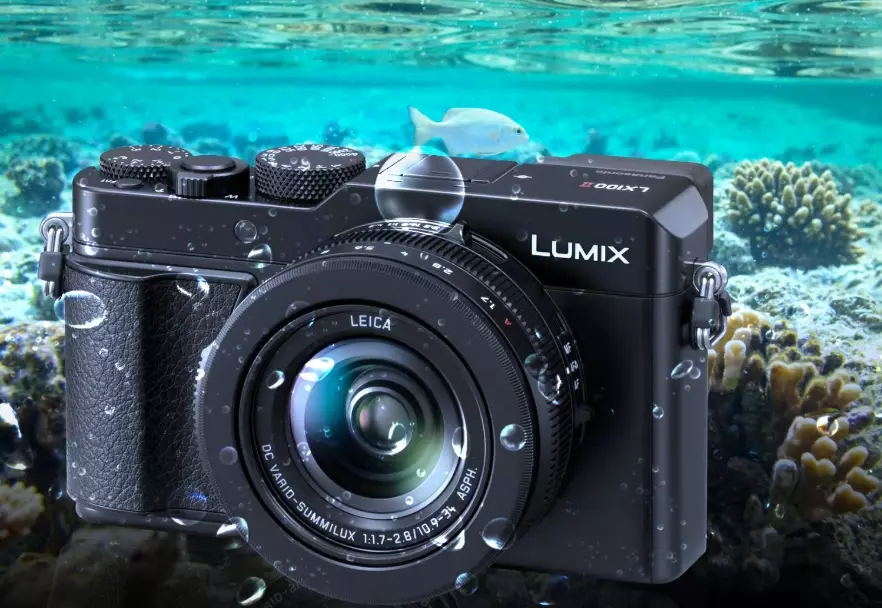
Five Key Things Beginners Must Look For
Ignore the marketing fluff. Focus on these five practical aspects.
1. Waterproof Depth Rating
Look for at least 10 meters (33 feet). Most good snorkeling happens within 5-10 feet of the surface, but a 10m rating gives you a massive safety buffer for duck dives or accidental drops. My old TG-5 was rated to 15m, and that peace of mind was worth every penny. A camera rated to only 5m will make you nervous.
2. Ease of Use Underwater
This is huge and often overlooked. Can you operate it with one hand? Are the buttons large and tactile? I once used a camera where the shutter button was tiny and flush with the body. With cold, numb fingers, it was a nightmare. Physical buttons beat touchscreens underwater every time. Also, check if the mode dial is easy to turn. You want to switch from photo to video without fumbling.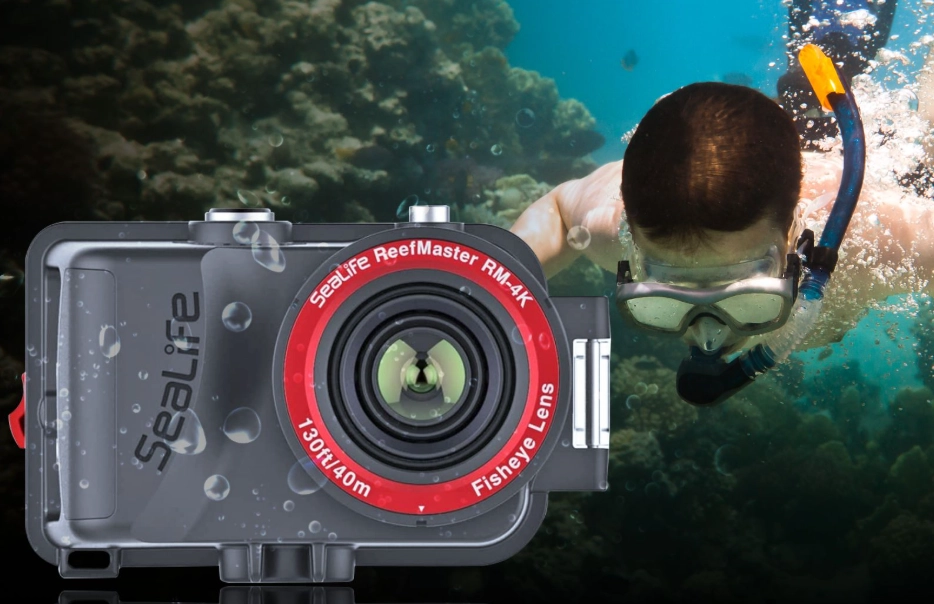
3. Image Stabilization
Called "EIS" (Electronic) or "HyperSmooth" (GoPro). The water moves, you move. Stabilization is what turns shaky, nauseating footage into smooth, watchable video. It's non-negotiable for video. For photos, it helps prevent blur. Don't buy an action camera without excellent stabilization.
4. Battery Life & Charging
Manufacturer claims are for ideal conditions. Underwater, with the screen on and GPS pinging, battery drains faster. Look for a camera that uses a standard, removable battery you can swap. Bring at least two. A camera that charges via USB-C is a bonus—you can charge it from a power bank on the boat.
5. The Total Cost (Not Just the Camera)
This is the beginner trap. The camera is $400. Then you need a floating wrist strap (essential, $20), maybe an extra battery ($40), and a anti-fog insert ($10). For action cameras, you'll want a telescoping pole ($30) for selfies. Factor this in. A $300 camera with $100 of essential accessories is a $400 purchase.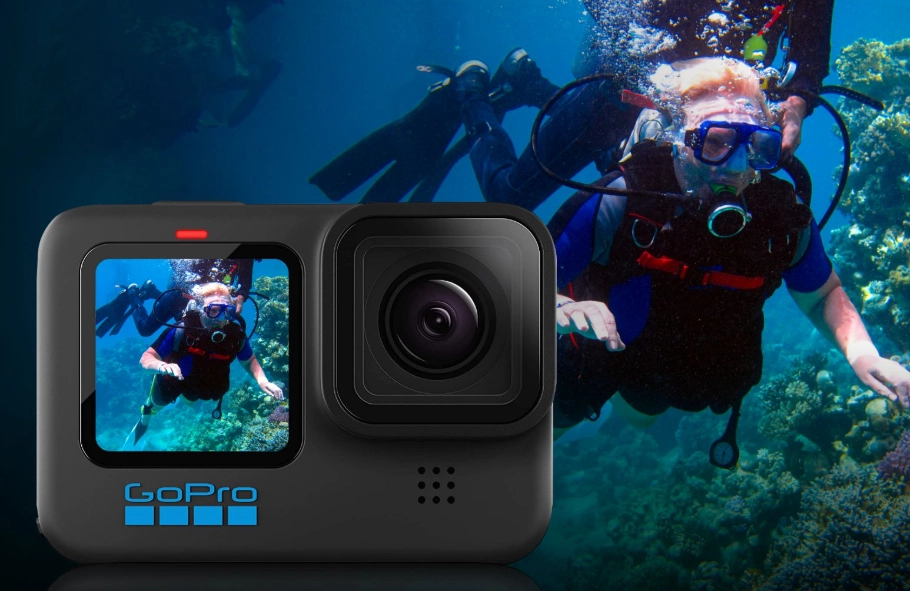
My Top Picks for Beginners (2024)
Based on years of guiding new snorkelers, here are my go-to recommendations. I've owned or extensively tested each.
Best All-Rounder for Most People: GoPro Hero12 Black
Yeah, it's the obvious choice for a reason. The HyperSmooth 6.0 stabilization is witchcraft. It makes your snorkeling video look like it was shot from a drone. The interface is stupidly simple. The new HDR video helps with the bright surface/dark reef contrast. You can buy a GoPro dive housing to take it deeper than its 10m native rating.
The catch: Battery life is just okay. The wide-angle lens distorts close-up faces (fish-eye effect). For detailed still photos of a single clownfish, it's not as good as a tough camera.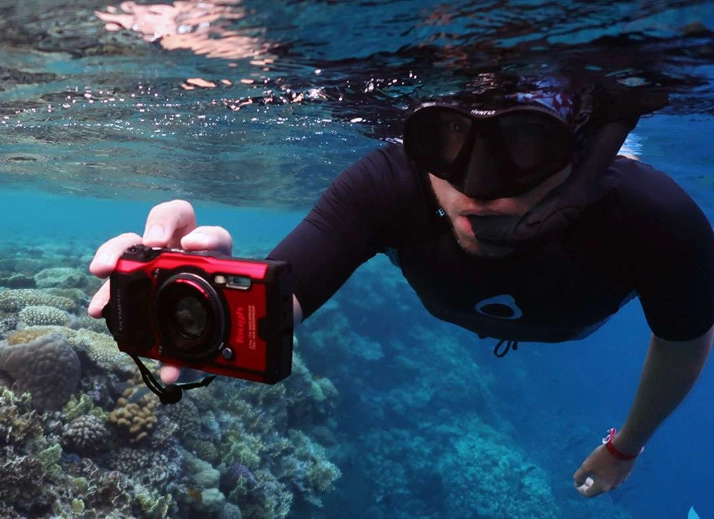
Best Budget Pick: DJI Osmo Action 4
This is the real competitor. Its larger sensor performs better in low light—think under a reef ledge or in slightly murky water. The stabilization is nearly as good as GoPro's. It's often $100 cheaper. For the price-conscious beginner who still wants pro-level video, it's a fantastic deal. The front screen is also great for framing yourself with turtles.
Best for Stunning Still Photos: Olympus Tough TG-6
This is the photographer's choice. It's not about video (its video is mediocre). It's about the insane macro mode. You can take a crystal-clear photo of a sea slug the size of your thumbnail without any extra lenses. It has built-in microscope modes. It's rated to 15m, crushproof, freezeproof. It feels like a tank. If your goal is to bring home magazine-quality photos of marine life details, this is it. Reviewers at DPReview consistently praise its macro capabilities.
The downside: You'll need to buy a red filter separately to correct colors below 10 feet, which is an extra step.
What about a used Sony RX100 in a housing? Unless you're already a photography enthusiast, don't. The housing alone costs more than a new TG-6, and the setup is clunky. Keep it simple.
How to Shoot Better Snorkeling Photos Tomorrow
You have the camera. Now what? Three tips that will instantly improve your results.
- Get Close, Then Get Closer. Water reduces clarity and color. The number one mistake is shooting from too far away. Swim gently within 3-4 feet of your subject. Your photos will be sharper and more colorful.
- Shoot Upwards. Don't shoot down on a reef. Angle your camera slightly upwards towards the surface. This gives you a more natural, blue water background instead of a cluttered seabed. It also lets in more light.
- Use a Red Filter in Blue Water. Below 10 feet, water filters out red and orange light, making everything look blue/green. A simple magenta or red filter screws onto your lens and brings those warm colors back. For action cameras, they make snap-on filters. It's the single biggest upgrade for your photo colors.
Remember, the fish don't pose. Take lots of shots. A burst mode is your friend.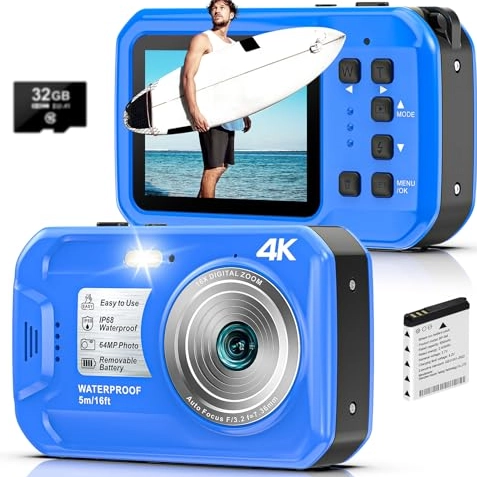
Your Questions, Answered
Your first underwater camera should unlock the wonder of the reef, not add stress to your trip. By focusing on simplicity, durability, and the real-world factors above, you'll choose a tool that captures memories for years to come. Now go get wet.
Reader Comments